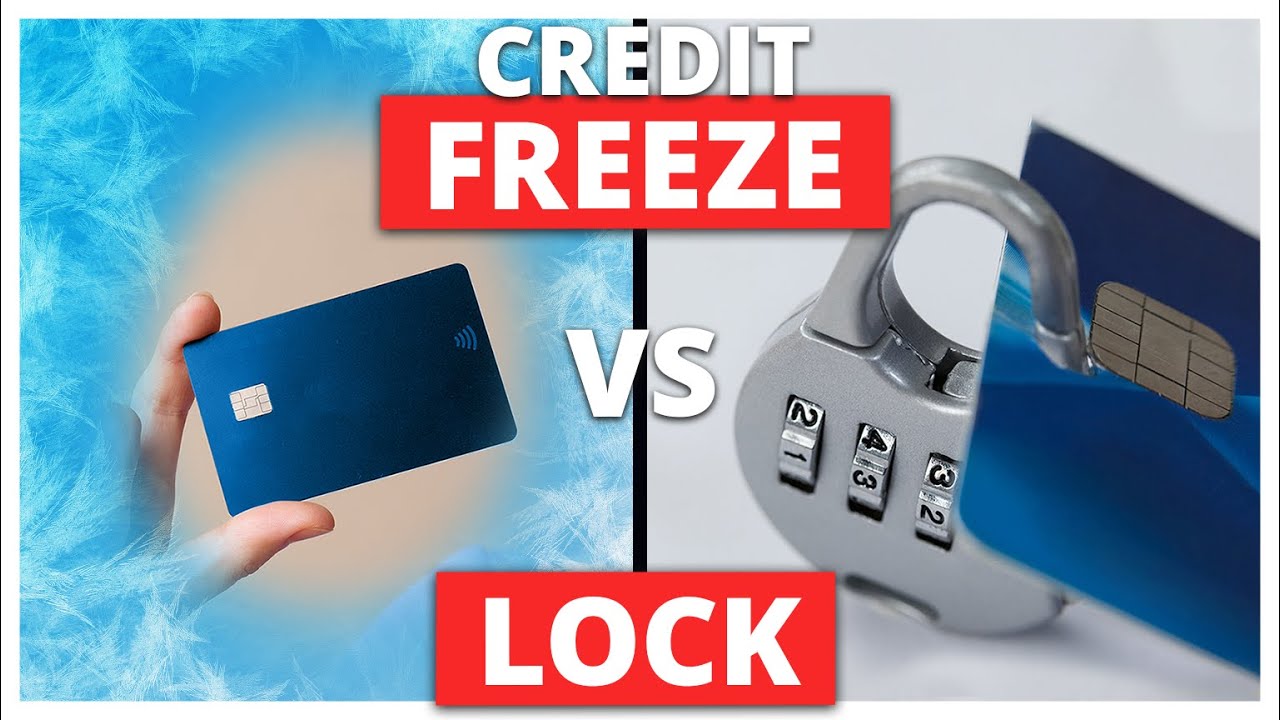
With data breaches and identity theft making headlines almost every month, protecting your credit has become a necessity rather than an option. Two of the most common tools offered to consumers today are the credit freeze and the credit lock. They sound similar and both aim to stop fraud, but they are not the same. Understanding how each works—and which one fits your situation—can save you money and headaches.
What Is a Credit Freeze?
A credit freeze, also called a security freeze, is a free legal protection that restricts access to your credit report. When your credit is frozen, lenders cannot view your credit file unless you temporarily lift or remove the freeze. Since most lenders require access to your credit report before approving new credit, this effectively stops fraudsters from opening accounts in your name.
In the United States, credit freezes are completely free by law at all three major credit bureaus: Equifax, Experian, and TransUnion. You can set up a freeze online, by phone, or by mail. Once your credit is frozen, you’ll receive a PIN or password that you can use to lift the freeze temporarily (for example, when you apply for a loan) or remove it entirely.
Pros of a credit freeze:
- Free, mandated by law
- Very strong protection against new-account fraud
- You control when and for how long it’s lifted
Cons of a credit freeze:
- Less “convenient” interface compared to paid services
- You must manage PINs or logins at each bureau
- Does not actively monitor your credit for suspicious activity
A credit freeze is ideal if your main goal is maximum protection at zero cost and you don’t mind handling access manually when you need new credit.
What Is a Credit Lock?
A credit lock does essentially the same thing: it blocks access to your credit report so new accounts can’t be opened in your name. The big difference is that a credit lock is usually part of a paid subscription service offered by the credit bureaus or identity protection companies.
With a credit lock, you typically get a mobile app or dashboard that lets you lock and unlock your credit instantly with a tap. These services often bundle extras like credit monitoring, identity theft alerts, and sometimes insurance or recovery assistance if your identity is compromised.
Pros of a credit lock:
- Very easy to turn on and off (often in one tap)
- Usually includes credit monitoring and alerts
- May include identity theft support services
Cons of a credit lock:
- Costs money (often monthly or yearly)
- You are dependent on the provider’s app or service
- Core protection is not stronger than a free freeze
In short, you’re paying mostly for convenience and added services, not for fundamentally better blocking of fraud.
Key Differences at a Glance
The most important differences come down to cost, convenience, and extras:
- Cost: Credit freezes are free. Credit locks usually require a subscription.
- Control: Both block access to your credit, but locks are typically easier to toggle.
- Features: Credit locks often include monitoring and alerts; freezes do not.
- Legal status: Credit freezes are regulated by law; credit locks are commercial products.
Which One Should You Choose?
For most people, a credit freeze is enough. It offers the same core protection—stopping unauthorized credit accounts—from being opened, and it costs nothing. If you rarely apply for new credit, the small inconvenience of temporarily lifting a freeze is minimal.
A credit lock can make sense if:
- You want built-in credit monitoring and alerts
- You value app-based, instant control
- You don’t mind paying for the added convenience and services
The Bottom Line
Both tools protect you from one of the most damaging forms of identity theft: new accounts opened in your name. The credit freeze is the best value option—free, strong, and effective. The credit lock is essentially a paid, more convenient version with extra features layered on top.
If your priority is cost-effective security, start with a credit freeze. If you want a more hands-off, app-driven experience with monitoring included, a credit lock may be worth the subscription.